POV notes
How to film POV video with your phone
Modern phones have the stabilisation and image quality of an action camera. What they need is a mount and a few settings.
Pick the mount point
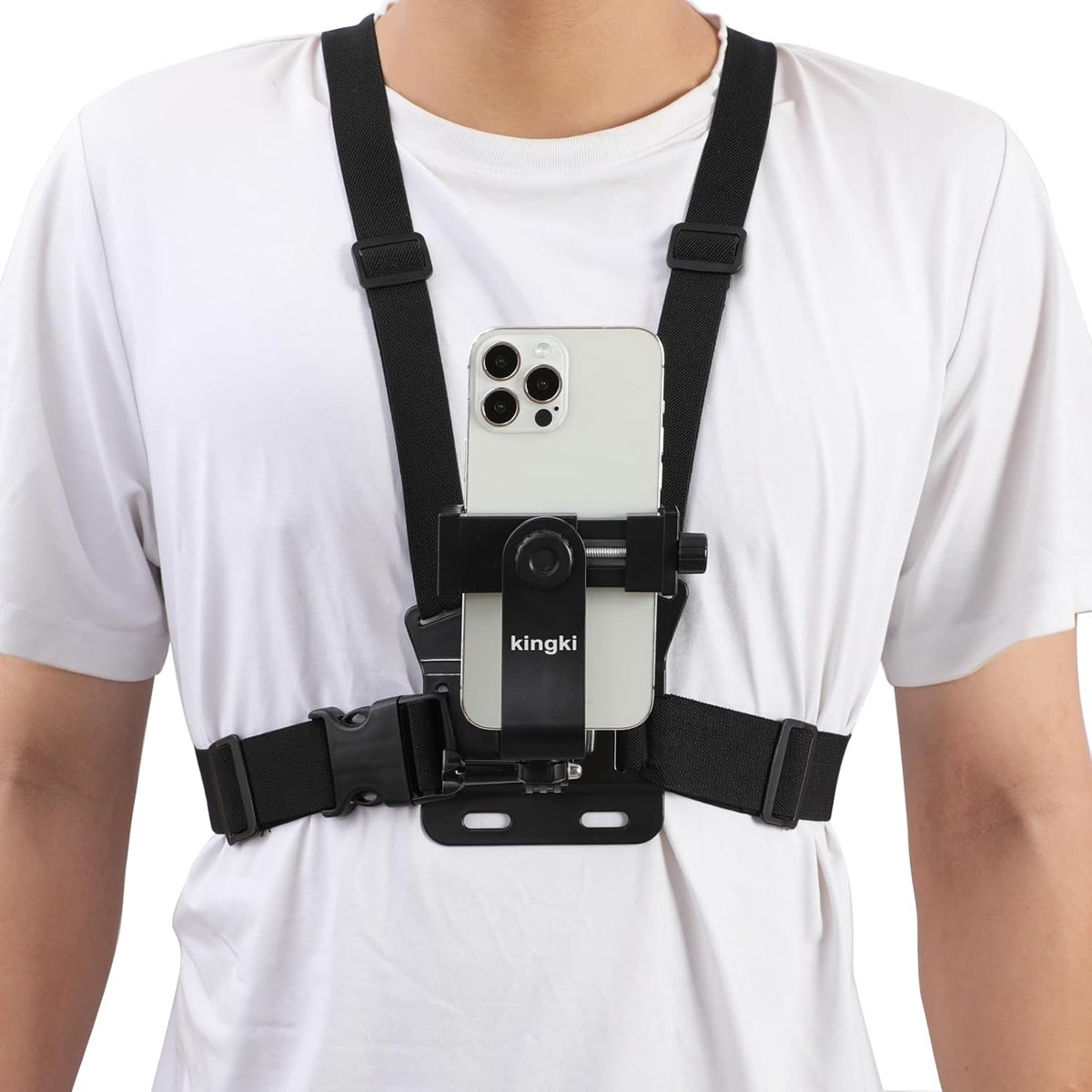
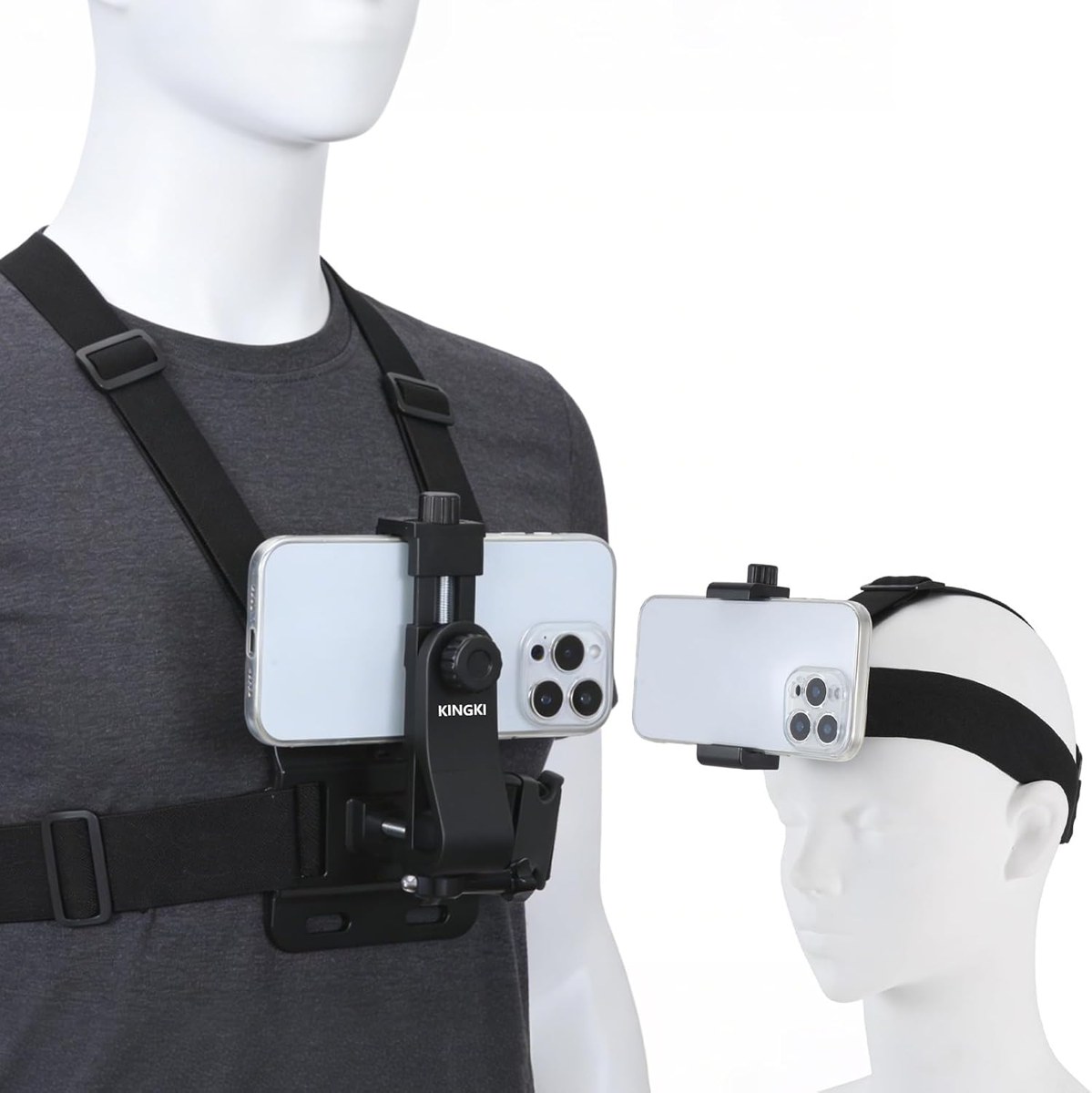
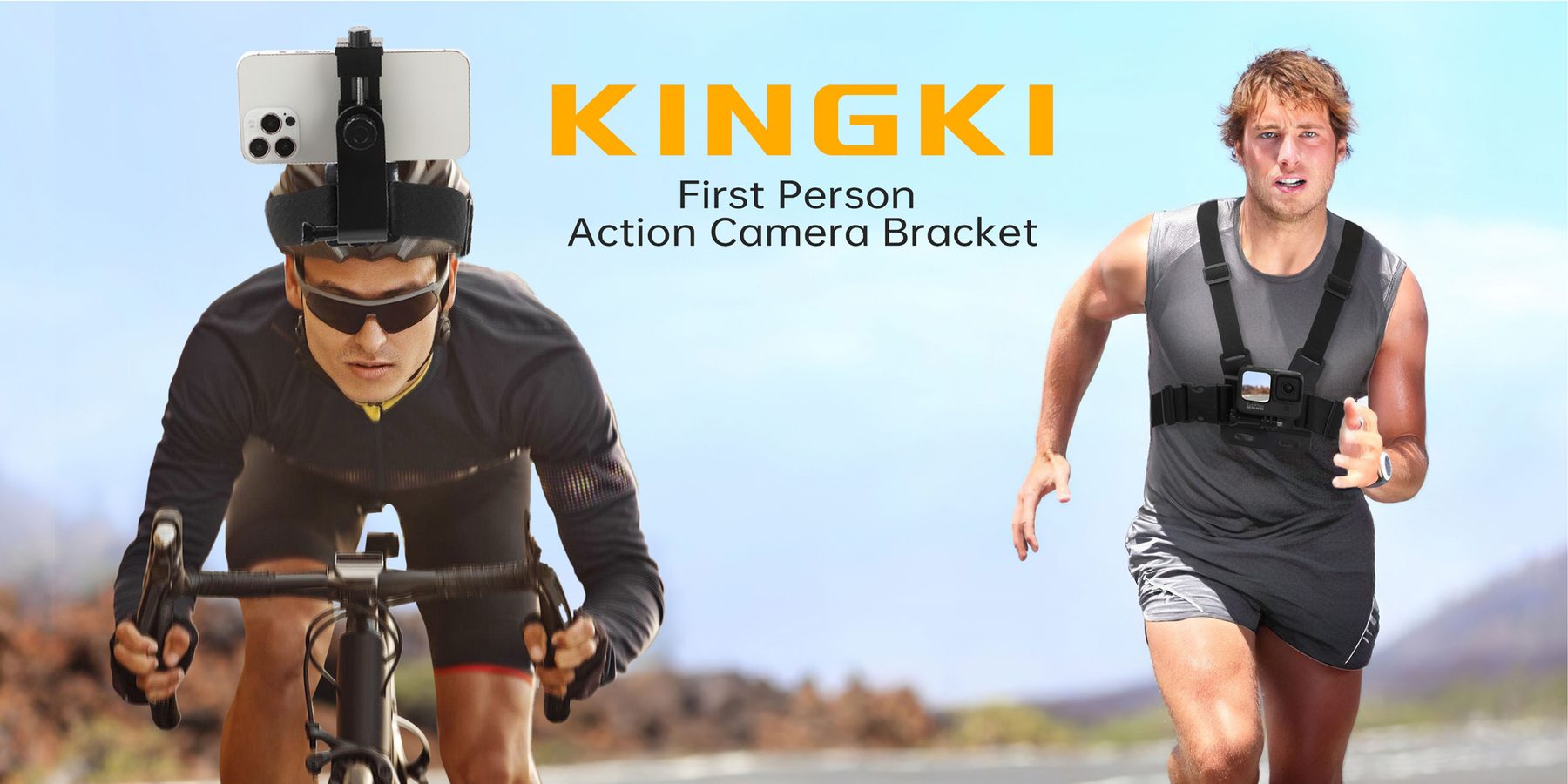
- Chest: steadiest, best for bikes, skis and hiking.
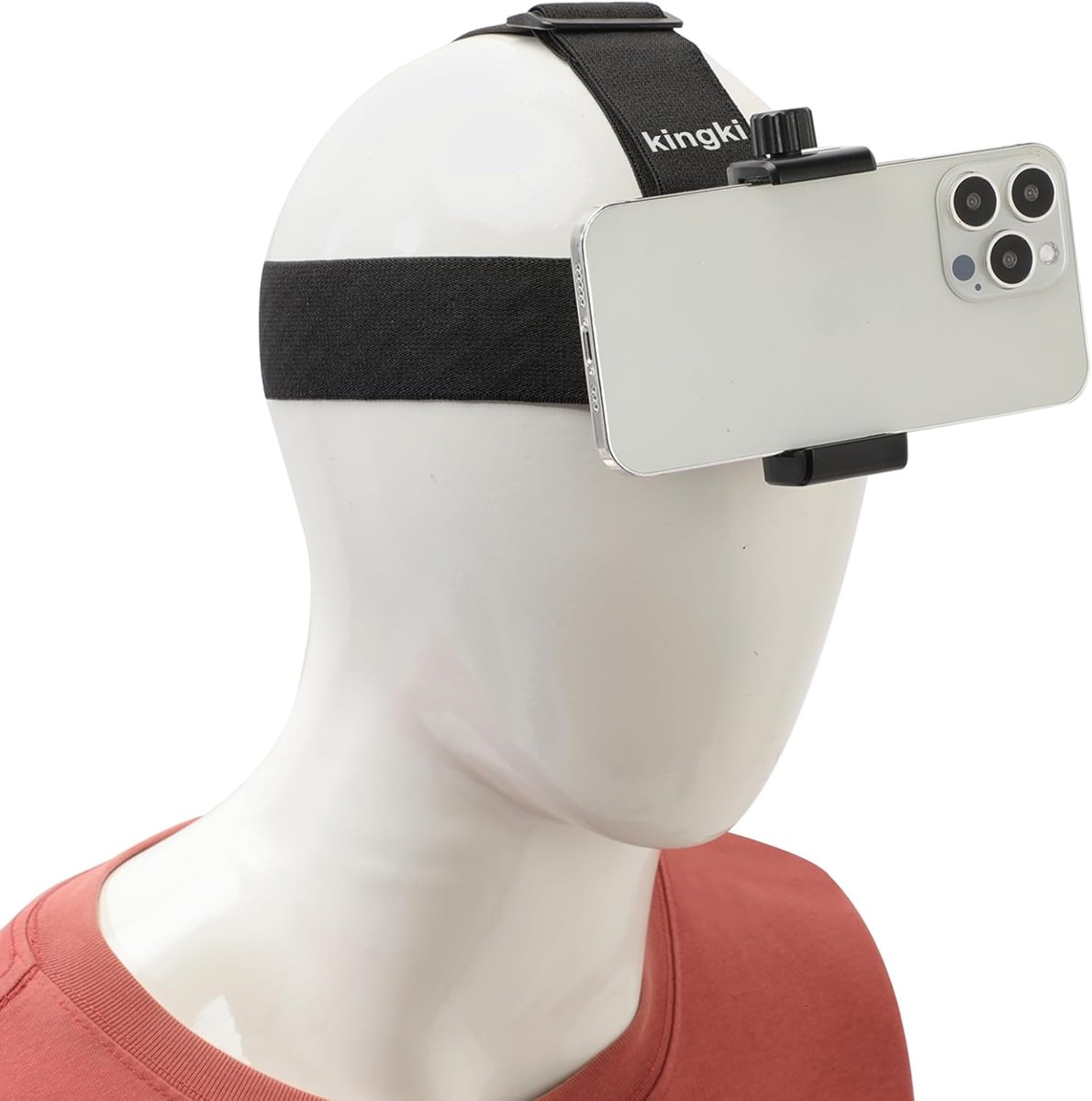
- Head: eye level, follows your gaze.
- Neck: quick to put on, great for cooking and walks.
Settings that matter
Shoot at 1080p or 4K and 60 frames per second for smooth motion, turn on the phone's action or enhanced stabilisation, and use the main lens rather than the ultra-wide to reduce distortion. Lock focus and exposure so the picture doesn't pump when you turn from shade to sun.
Before you set off
Charge the phone, clear storage, start recording and lock the screen. Check the angle with a ten-second test clip — most first attempts film too much sky.